
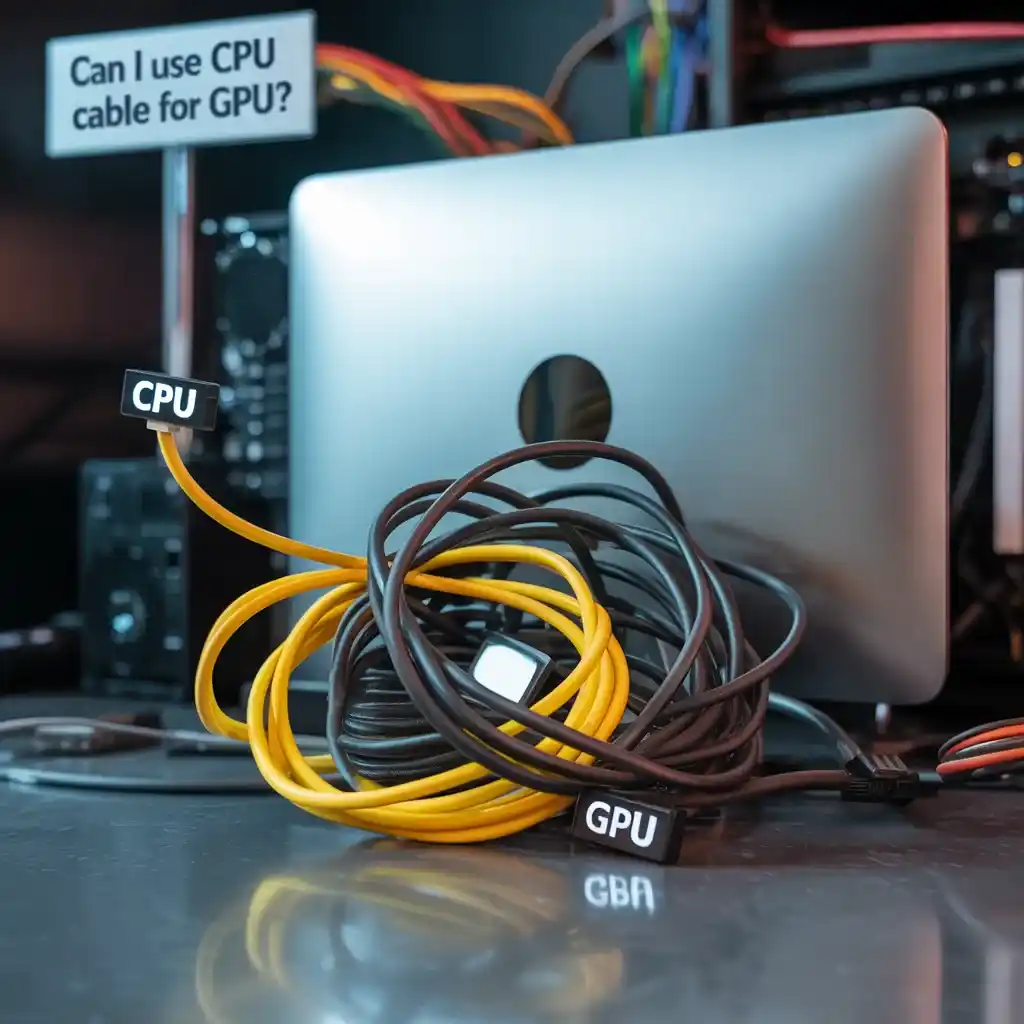
Can I Use CPU Cable For GPU? No, you should never use a CPU (EPS) cable for a GPU (PCIe).
Although they may look similar, they are wired differently and designed for completely different power delivery systems.
Always check your PSU brand documentation before connecting cables. Even similar-looking cables from different brands are not interchangeable.
I have seen real cases where incorrect cable usage damaged GPUs or power supplies instantly. This mistake usually happens when users assume all modular PSU cables are interchangeable, which is not true.
This guide explains the risks in simple terms so you can avoid costly hardware damage in 2026. When users upgrade their system, they often choose to sell old hardware during upgrade instead of keeping unused components.
What Is a CPU Power Cable?
A CPU power cable, also called an EPS cable, connects your power supply to the motherboard’s CPU socket. CPU stability issues are also linked with improper system monitoring. It delivers stable power to the processor, usually through a 4+4 pin connector, and is essential for system performance and reliability.
Also read: Can I Sell My Used CPU?
What is a GPU power cable?
A GPU power cable, also known as a PCIe cable, connects your graphics card to the power supply. It usually comes in 6-pin, 8-pin, or combined connectors, and delivers the extra power a GPU needs for gaming, rendering, or heavy tasks.
CPU vs GPU Power Connectors – Key Differences:
CPU and GPU power connectors may look alike, but are wired differently.
CPU cables (EPS) power the processor through the motherboard, while GPU cables (PCIe) directly power the graphics card. Mixing them up can damage your components or prevent booting.
What Can Go Wrong – Real Risks of Using the Wrong Cable?
Using a CPU power cable on a GPU is not a minor mistake. It can damage your graphics card, power supply, or both.
CPU (EPS) and GPU (PCIe) cables are designed differently, even if they look similar. This is why you should always check your PSU brand documentation before connecting anything. Cables from different brands are not interchangeable.
Because the internal wiring is different, power gets delivered to the wrong pins when mixed. In one repair case, I saw a GPU completely fail within seconds after an EPS cable was mistakenly plugged into a PCIe slot. This type of mistake can lead to overheating, short circuits, or permanent hardware damage.
In real situations, the system may shut down instantly, fail to boot, or become unstable. The power supply can also protect itself by shutting down, and in severe cases, it may get damaged as well.
To stay safe, always use the correct PCIe cables that come with your PSU. Never mix or assume compatibility between different cable types, because a single wrong connection can damage your entire build.
You can also check system health here: How to Check CPU Health?
PSU modular cable design
A modular PSU lets you connect only the cables you need. This improves airflow, reduces cable clutter, and makes cable management easier, helping keep your PC cooler and cleaner.
Are all PCIe cables the same?
No, not all PCIe cables are the same. Pin count (6-pin, 8-pin, or 6+2) and power capacity can vary. Also, modular power supply cables are not universally compatible. Using the wrong one can damage your GPU or PSU.
Why CPU and GPU Cables Are Designed Differently?
This difference is one of the most common reasons for GPU damage in custom PC builds.
| Feature | CPU (EPS) | GPU (PCIe) |
|---|---|---|
| Usual Shape | 4 + 4‑pin | 6‑pin / 8‑pin / 12VHPWR |
| Power Path | Motherboard → CPU | PSU → GPU (Direct) |
| Current Load | Moderate | High |
| Wiring Map | 12V on all pins | Mix of 12V and ground lines |
In real-world PC building, most GPU failures related to power cables happen due to incorrect modular cable usage, not GPU manufacturing defects.
Even if they physically fit, the internal wiring is NOT the same.
Many PSU manufacturers also clearly warn against mixing EPS and PCIe cables due to different pin configurations.
Technical Specifications of CPU and GPU Cables
Voltage requirements
Voltage requirements vary by component. Most modern CPUs and GPUs run on 12V power from the PSU. Always check your hardware specs and use the correct cables to ensure safe, stable performance.
CPU cables often use a 12V on all pins, while PCIe connectors distribute power across 12V and ground lines differently. Plugging a CPU cable into a GPU slot can send power down the wrong pins.
Current handling capacity
Current handling capacity refers to how much electrical current a cable can safely carry. GPU (PCIe) cables are designed to handle higher currents than CPU (EPS) cables. A cable beyond its rated capacity can cause overheating, power loss, or permanent hardware damage.
In real-world PC builds, incorrect cable usage is one of the most common causes of GPU failure and PSU damage.
In real PC building communities, incorrect PSU cable usage is one of the most common reasons for sudden GPU failure.
How to Properly Power Your GPU?
Recommended cables and connectors
The recommended cables for GPUs are PCIe 6-pin, 8-pin, or 12VHPWR connectors, depending on the model. To guarantee a secure fit, stable power flow, and dependable GPU performance, only use cables that come directly from your PSU’s manufacturer.
When to use split cables or daisy chains
Use only split cables or daisy chains with lower to mid-range GPUs that draw less power. Each high-performance GPU should be powered by its own dedicated PCIe cable from the PSU to maintain stable power flow and avoid heat or voltage problems.
Benefits of dedicated GPU power lines
Dedicated GPU power lines provide stable, consistent power, reducing the risk of voltage drops, overheating, or electrical interference. They ensure optimal GPU performance and longevity, preventing potential damage to both the GPU and PSU.
Modular vs Non-Modular PSU Considerations
| Consideration | Modular PSU | Non-Modular PSU |
|---|---|---|
| Cable Swapping Risks | Swapping cables improperly can cause compatibility issues, damage components, or void warranties. | No cable swapping; cables are permanently attached, reducing risk of error but limiting customization. |
| Brand-Specific Cable Pinouts | Different brands may have unique pinouts, risking damage if using cables from other brands. | Fixed cables eliminate this risk since cables are designed specifically for the PSU model. |
Common Mistakes and How to Avoid Them
Common mistakes include using the wrong cables, overloading connectors, or mismatching power requirements. Avoid these by always using the correct, manufacturer-recommended cables and double-checking connections before powering up your system.
What Happens If You Already Plugged It In?
If you have already plugged in the wrong cable, turn off the power immediately to avoid damaging your hardware. Check for any signs of overheating or short circuits. If unsure, inspect connections and replace them with the correct cables before powering up again.
How to Get the Right Cable?
To find the correct cable, start by checking your GPU and power supply manuals. Look for the exact connector type and pin layout needed.
Buy cables that are made for your power supply model. Never mix cables from other brands or use cheap, unverified options. A wrong cable can damage your system.
For replacement cables, visit the official website of your PSU brand. They usually list compatible parts and offer support if you are unsure. You can also contact their help team by email or phone for accurate advice.
Tips for Safe Cable Management
- Plan Your Layout: Organize cables with airflow and accessibility in mind.
- Use Cable Ties or Velcro Straps: Keep cables bundled to avoid tangling and improve organization.
- Avoid Tight Bends: Prevent damaging cables by avoiding sharp bends or pressure points.
- Route Cables Behind Panels: Hide cables behind the case panels for a cleaner look and improved airflow.
- Ensure Proper Airflow: Keep cables clear of fans and vents to avoid overheating.
- Label cables for easier upgrades or troubleshooting.
- Double Check Connections: Before closing the case, ensure all cables are properly connected and do not obstruct airflow.
- Keep a wiring diagram: Note all connections for easy upgrades and troubleshooting.
Pro Tip
If you are unsure about your cables, take a clear photo and compare it with your PSU manual or manufacturer website before connecting anything.
Conclusion: Can I Use CPU Cable For GPU?
A graphics card demands the correct PCIe power cable. Using a CPU cable risks total hardware loss. Check labels, study the manual, and run one cable per port. Careful wiring keeps the system cool, silent, and safe.
FAQs: Can I Use Cpu Cable For Gpu?
Why do CPU and GPU power cables look identical?
CPU and GPU power cables look identical because they share similar designs but have different pin configurations and power requirements.
Can I use split PCIe cables to power my GPU?
Yes, you can use split PCIe cables for GPUs, but ensure they are rated for your GPU’s power needs to avoid instability.
Are aftermarket PSU cables safe?
Aftermarket PSU cables can be safe if they are high-quality, compatible with your PSU, and from a reputable manufacturer. Always verify compatibility.
How do I know if a cable is safe to use?
To ensure a cable is safe, check its specifications, manufacturer, and compatibility with your components. Use cables from reputable brands.
Also read:
Are Most HP CPU Fan Motors the Same Size? Find Out Here
How Much Gold in CPU Processors? Gold Recovery in Processors